Announcements
Share important company updates, reminders, and news in one dependable place your team can return to.
TeamQuarters by WebSEOPro gives local service businesses one branded employee operations workspace for announcements, company documents, onboarding, training, requests, checklists, and everyday team information.
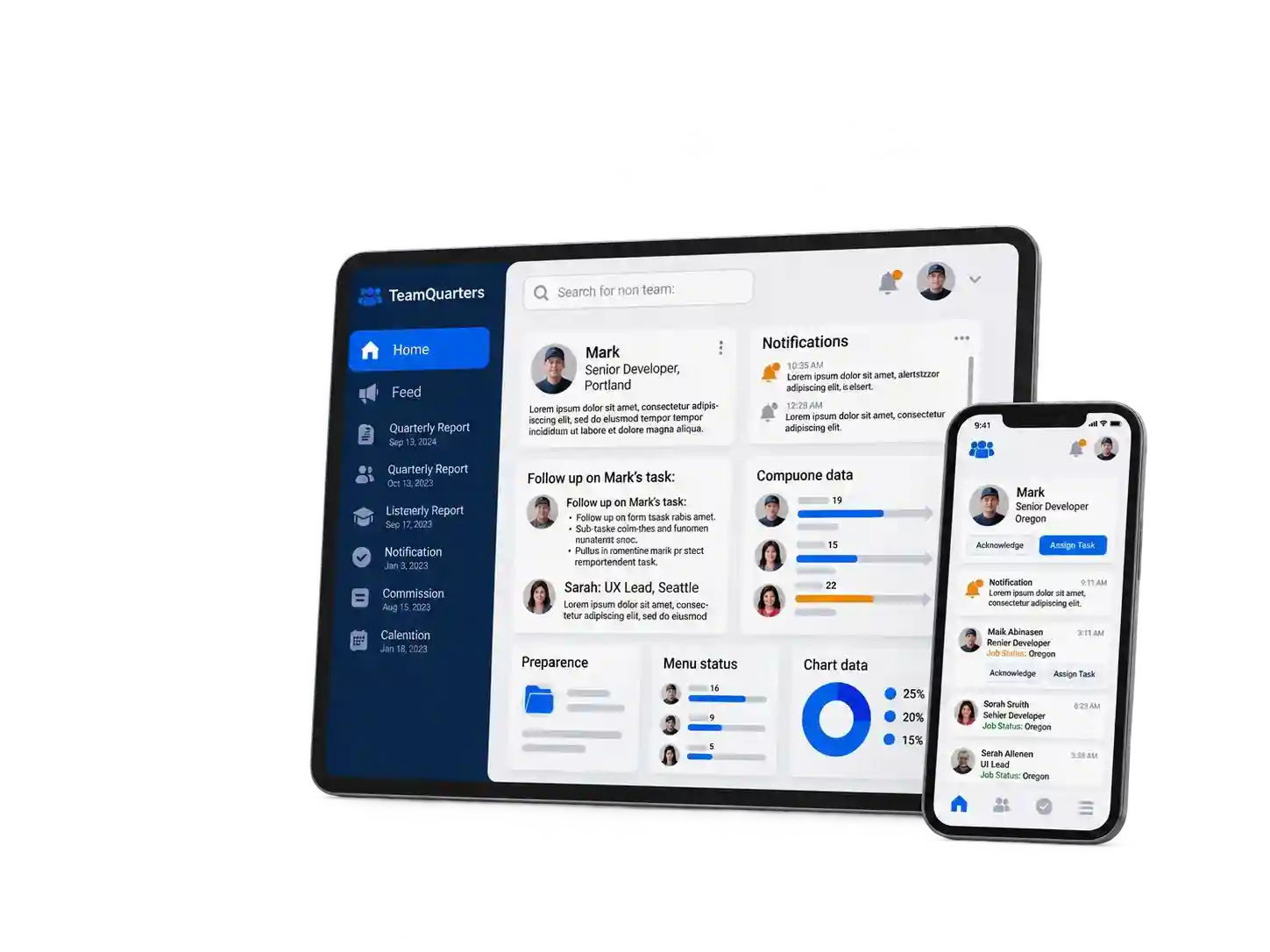
TeamQuarters brings the everyday information and workflows your employees rely on into one branded company workspace that is easier to organize, manage, and find.
Share important company updates, reminders, and news in one dependable place your team can return to.
Keep company files, policies, forms, and resources organized so employees know where to find current information.
Guide new hires through repeatable steps so managers can see progress and employees know what comes next.
Assign training and track completion so employees can see what they need to finish and managers can follow progress.
Create repeatable operational checklists for processes, jobs, equipment, and everyday tasks your team performs.
Give employees one clear place for time-off, equipment, schedule questions, safety issues, and general requests.

When employees work across the office, shop, job sites, and the road, important company information needs one dependable home. TeamQuarters gives the team a clearer way to stay connected to everyday company operations.
Give employees a clear place to check important updates, information, and everyday company resources.
Spend less time searching through texts, email threads, folders, and separate systems for current company information.
Use repeatable onboarding and training workflows so new team members know what they need to complete and where to find it.
Give employees one familiar company workspace for communication, resources, requests, training, and recurring operational tasks.
We help get the workspace ready, your team gets secure access, and the everyday information they need has one organized place to live.
We create your TeamQuarters workspace, apply your company branding, and prepare the structure for your team.
Invite employees and managers, assign the right roles, and give each person secure access to the company workspace.
Add documents, announcements, onboarding, training, requests, and reusable operational checklists.
Give employees one place to return for updates, assigned work, company information, and everyday team operations.
TeamQuarters gives managers and employees one organized place for company updates, onboarding, training, documents, requests, checklists, and everyday team information.
Here’s what’s happening across your team.
Jordan M. completed New Hire Safety Training 2 hours ago
Sam W. submitted an equipment request 4 hours ago
Alex M. published a company announcement Yesterday
Fall Protection Training 3 employees assigned
ActiveCustomer Communication 5 employees assigned
ActiveEquipment Safety 4 employees assigned
ActiveEmployee Handbook Updated this week
Safety Policy Current version
Company Directory Updated Monday
Keep everyday employee operations connected instead of spread across unrelated tools.
Employees and managers see the information and tools appropriate for their company role.
See onboarding, training, checklist, and request activity without chasing updates across different channels.
Start with the workspace capacity that fits your team today. Every plan is built around the same goal: giving employees one organized place for everyday company information and operations.
Before you decide, we’ll put together a branded TeamQuarters preview so you can get a clearer picture of how the workspace could look for your business and your team.
Preview TeamQuarters with your company identity instead of trying to imagine how a generic software demo would fit.
We’ll use your team size and business structure to help make the preview relevant to the way your company works.
We can identify a sensible starting setup instead of pushing your company into more software than it needs.
Give us the basics and we’ll use them to prepare the next step for your TeamQuarters preview.
Send your details
We prepare the preview
Review your workspace
Practical answers about what TeamQuarters does, how employees access it, company branding, mobile use, permissions, and getting your team started.
TeamQuarters gives your company one organized employee workspace for announcements, company documents, onboarding, training, employee requests, operational checklists, team access, and other everyday company information. The goal is to reduce the number of separate places employees and managers have to check.
No. TeamQuarters is not being sold as payroll software, tax software, benefits administration, a complete HRIS, GPS tracking, or field-service dispatch software. Its current purpose is employee operations: keeping company communication, resources, onboarding, training, requests, checklists, and team access organized in one workspace.
Yes. TeamQuarters is designed to give employees a recognizable company workspace rather than a generic portal. Your setup can include your company identity and approved branding so your team has one familiar place to return for internal information and everyday operations. See the free branded preview.
Yes. TeamQuarters is a web-based workspace designed for modern browsers, allowing employees and managers to access their company workspace from supported phones, tablets, laptops, and desktop computers. The current product does not require employees to install a separate native mobile app.
TeamQuarters separates each business into its own company workspace and uses role-based access to control what people can see and manage. Public self-signup is disabled. Team members are brought into the workspace through controlled invitation paths, and employee and manager permissions are handled according to their company and assigned role.
We start by looking at your company, team size, branding, and the parts of TeamQuarters you plan to use. Your company workspace can then be prepared, an initial Company Admin established, and employees invited into the appropriate roles. If you want to see the direction before deciding, start with the free branded TeamQuarters preview.
See what TeamQuarters could look like with your company branding, team structure, and everyday employee operations brought together in one workspace.