LEAD CAPTURE
Website Lead Capture
Connect website inquiries to a clearer system so contact information and lead details are easier to receive, organize, and act on.
WebSEOPro helps local service businesses connect website inquiries, lead notifications, follow-up, and appointment booking into a clearer system — so new opportunities are easier to track and less likely to disappear between the first inquiry and the next step.
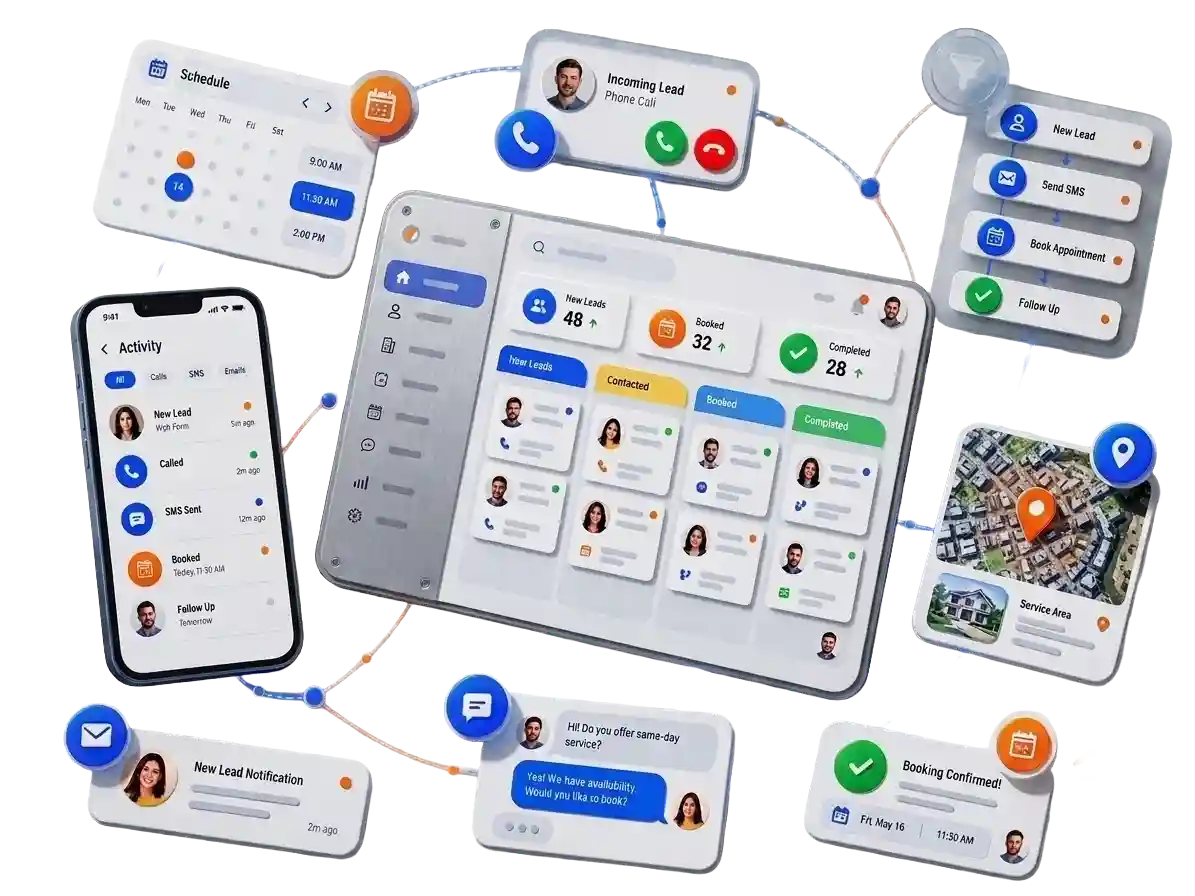
The goal is not to add more software just for the sake of it. A lead system should help capture inquiries, organize what happens next, support faster follow-up, and make the path toward an appointment easier to manage.
Connect website inquiries to a clearer system so contact information and lead details are easier to receive, organize, and act on.
Route useful notifications to the right place so someone knows when a new inquiry arrives instead of relying on somebody to repeatedly check a website inbox.
Keep new inquiries and their next steps more organized so the business has a clearer picture of what is new, contacted, waiting, or moving toward an appointment.
Depending on the setup, follow-up steps can help create a more consistent process for responding to inquiries instead of leaving every next action to memory.
Give appropriate leads a clearer way to move from conversation to scheduling, using a booking process that fits how the business handles appointments.
Structure the point where an automated or digital step ends and a person needs to take over, so the system supports the team rather than creating more confusion.
A website can generate an inquiry and still leave the business with a weak process afterward. Delayed responses, scattered messages, unclear ownership, manual follow-up, and a difficult booking path can all create unnecessary friction between a new lead and the next step.
A lead can arrive through the website while everyone is busy working, driving, or helping another customer. Without a clear notification and response process, the inquiry may simply wait.
Website forms, email, phone calls, messages, and other contact channels can create confusion when nobody has one clear view of what arrived and what still needs attention.
When the lead passes from a website, office inbox, dispatcher, manager, or salesperson without a clear handoff, it is easier for the next action to become somebody else’s responsibility.
When the process depends entirely on someone remembering to call, email, or message again later, follow-up can become inconsistent during busy days.
A qualified lead may still need to wait for another call, trade messages back and forth, or figure out how to schedule. A clearer booking path can reduce unnecessary steps when appropriate.
Automation should support the team, not replace responsibility. The business still needs a clear point where a person takes over, understands the lead, and knows what needs to happen next.
Some businesses only need a reliable way to capture and organize inquiries. Others need a broader follow-up and booking workflow. The right starting point depends on where leads are getting stuck today.
A practical foundation for businesses that need website inquiries captured, organized, and routed more clearly.
A broader workflow for businesses that need a more consistent path from new inquiry through follow-up and appointment scheduling.
A more advanced option for businesses ready to explore AI-assisted lead conversations, qualification, routing, and follow-up as part of a defined workflow.
A lead system should create a clearer path after someone reaches out. The exact workflow can vary, but the basic goal is simple: capture the inquiry, alert the right person, organize the lead, support follow-up, and make the next action easier to complete.
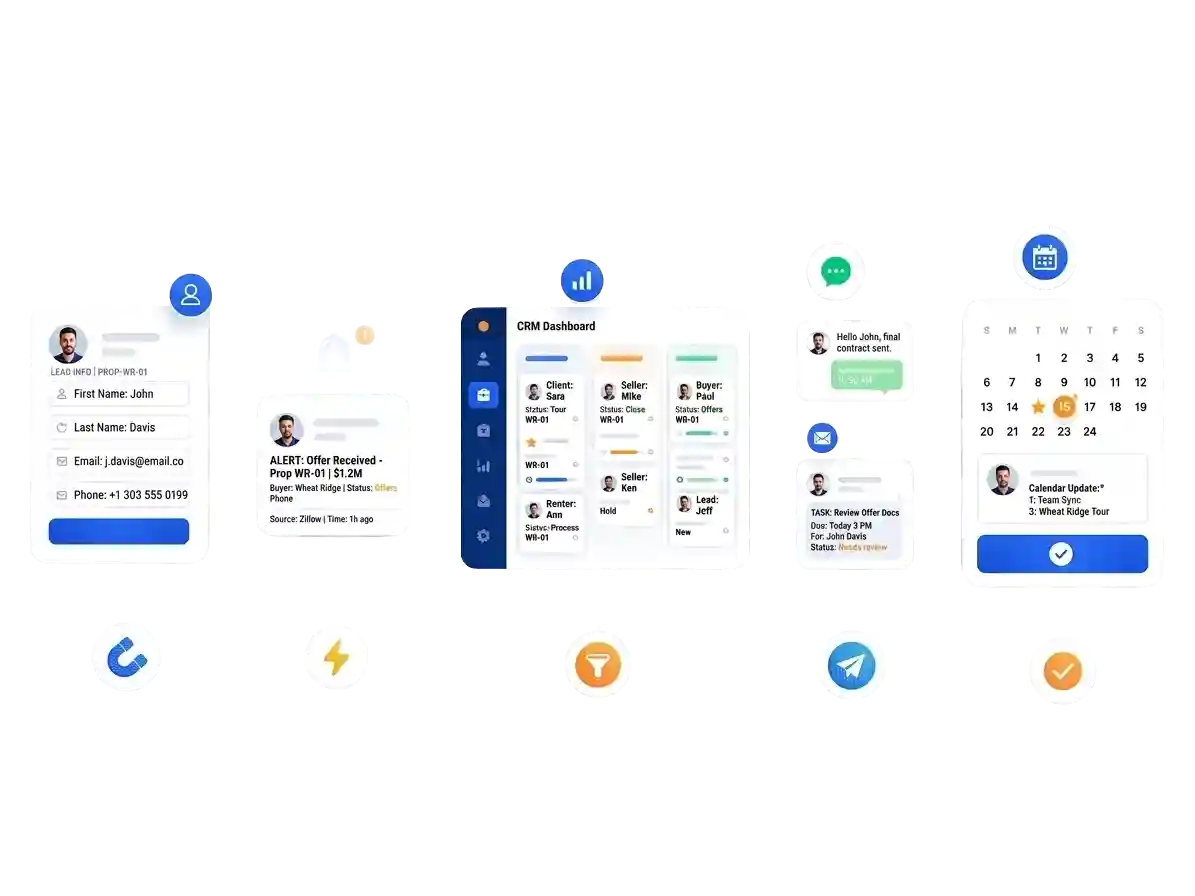
Lead information enters the workflow.
The right person knows a lead arrived.
Information and next steps stay organized.
Follow-up supports the next conversation.
Move toward scheduling when appropriate.
We start with the process you already use, identify where leads are getting stuck, map the useful next steps, connect the right pieces, and test the workflow before relying on it.
We look at where inquiries come from, who receives them, what happens next, how follow-up is handled, and where delays or confusion are most likely to happen.
We map what should happen after a new inquiry arrives — including notifications, lead status, follow-up, booking, and where a real person needs to take over.
The selected pieces are connected and tested so form submissions, notifications, statuses, follow-up steps, booking paths, and team handoffs behave the way they are supposed to.
Once the workflow is working, the team can begin using it. If a handoff, notification, booking step, or follow-up rule needs adjustment, the workflow can be refined around real use.
Not sure whether you need better lead capture, notifications, follow-up, booking, or a broader workflow? Start with a practical review of the website and the customer path around it before choosing a system.
Lead capture and follow-up happen after someone decides to reach out. If the website is difficult to use or poorly maintained, the workflow can still start with unnecessary friction.
Give potential customers a clearer, faster path to understand your services, trust the business, and submit an inquiry before the lead system takes over.
Explore Custom WebsitesKeep the website maintained and working properly so forms, integrations, pages, and customer entry points are not being supported by a neglected website.
Explore Website CareClear answers about how lead systems work, what they can connect to, how automation fits into the process, and what WebSEOPro charges.
A lead and booking system connects the steps that happen after someone contacts your business. Depending on the setup, that can include capturing an inquiry, sending a notification, organizing the lead, supporting follow-up, tracking the next step, and giving appropriate leads a clearer path toward scheduling.
Often, yes. If the current website and forms provide a workable foundation, the lead workflow may be connected without rebuilding the entire site. If the website has larger usability, form, or conversion problems, website improvements may make sense before or alongside the lead-system setup.
Not necessarily, and that is not the goal. Automation can support useful steps such as notifications, organization, reminders, or approved follow-up actions, while the workflow still defines where a real person needs to take over and continue the customer conversation.
Not automatically. The first step is understanding what your business already uses. When existing tools can support the workflow, it may be better to connect or improve them instead of replacing everything. The final setup depends on compatibility and the process your team actually needs.
Lead Capture is $399 setup plus $79 per month. Booking & Follow-Up is $799 setup plus $149 per month. The AI Lead Assistant is $1,299 setup plus $299 per month when the business and workflow are ready for that level of assistance.
Usage-based or third-party costs may be separate unless they are specifically included in the agreed setup. That can include messaging, phone, AI, software, or other platform charges. The tools and expected outside costs should be clear before the workflow is implemented.
Start by finding the gaps between your website, the first inquiry, follow-up, and booking. WebSEOPro can help you decide whether you need simple lead capture, a broader follow-up system, or a more advanced workflow.